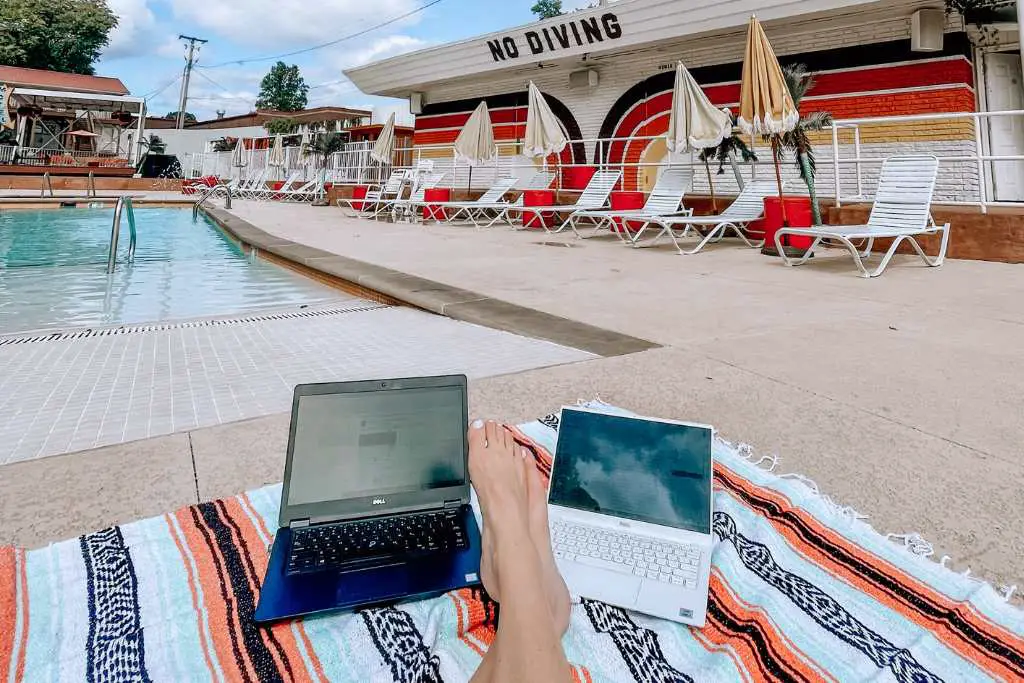
These are the 17 remote work essentials I actually use while working and traveling. I went fully independent in 2021 and have been working remotely from Europe, Central America, and everywhere in between ever since. The right remote work setup is what separates a productive travel day from a frustrating one — and this list is everything that has made the difference for me.
Whether you are just starting out as a digital nomad or you have been doing this for years, these are the tools worth investing in. Some of these I wish I had from day one.
17 REMOTE WORK ESSENTIALS FOR DIGITAL NOMADS IN 2026
1. Portable Monitor
A portable monitor is the single biggest upgrade I made to my remote work setup. Working from one screen all day is genuinely exhausting and slows everything down. A portable monitor gives you a full dual-screen setup anywhere — a cafe in Lisbon, a co-working space in Split, a hotel room in Athens. They are lightweight, USB-powered, and fold flat into a sleeve that fits in your carry-on. Once you work with two screens on the road you will never go back.
2. Laptop Stand
A laptop stand fixes the single biggest ergonomic problem with remote work — hunching over a screen at table height for hours. Raise your laptop to eye level, pair it with a wireless keyboard, and your posture and neck will thank you. The best travel laptop stands are foldable, weigh almost nothing, and fit in any bag. This is a non-negotiable for me on any trip longer than a weekend.
3. Wireless Keyboard and Mouse
Once your laptop is on a stand, you need a wireless keyboard and mouse to actually type comfortably. A compact Bluetooth keyboard and a travel mouse weigh almost nothing and transform any surface into a proper workstation. I use mine every single day — at co-working spaces, hotel desks, and kitchen tables in Airbnbs. The combination of stand plus keyboard plus mouse is what makes remote work feel sustainable rather than like a compromise.
4. Noise Canceling Headphones
Noise canceling headphones are essential for focus in cafes, airports, and busy co-working spaces. They are also critical for calls — background noise on a video call is unprofessional and distracting. Sony and Bose make the two best options at different price points. I use mine on flights, in cafes, and during any deep work session where I need to block everything out. Worth every penny.
5. Mic and Camera Upgrade
The built-in camera and mic on most laptops are genuinely bad. If you are on video calls regularly — with clients, a team, or anyone who needs to take you seriously — a USB microphone and an external webcam make an immediate and noticeable difference. You do not need anything expensive. A mid-range USB mic and a 1080p webcam will make you look and sound like you are in a proper office regardless of where you are actually sitting.
6. Retractable Extension Cord
Outlets are never where you need them. A retractable extension cord with multiple plug slots means you can set up your full workstation anywhere without being tethered to a single wall socket. This is one of those items that sounds minor until the one day you desperately need it and do not have it. I keep one in my laptop bag at all times.
7. Wi-Fi Extender
Slow or unreliable Wi-Fi is the number one enemy of productive remote work on the road. A travel Wi-Fi extender boosts the signal from a distant router and can turn a barely usable connection into something workable. It is small enough to pack in a laptop bag and has saved my workday more than once in hotels and Airbnbs where the router was on the other side of the building.
8. Blue Light Glasses
Screen time goes up significantly when you are working remotely while traveling — you are working on your laptop, then navigating on your phone, then winding down on a tablet. Blue light glasses reduce eye strain and help you actually sleep after a long screen day. I noticed the difference within the first week of wearing them consistently. A simple, non-prescription pair is all you need.
9. Universal Converter with Multiple Outlets
A universal travel converter handles plug compatibility in almost every country and gives you multiple outlets so everything charges at once. Seth and I used to fight over charging priority before we started traveling with one of these. Now everything plugs in at the same time — laptop, phone, camera, headphones — and the debate is over. Get one with USB-A and USB-C ports built in so you do not need a separate hub.
10. Electronic Organizer
An electronic organizer is what keeps all your cables, adapters, chargers, and small tech accessories in one place so you never root through your bag looking for the right cord. Everything has a pocket, everything is visible, and packing and unpacking takes seconds. I genuinely cannot believe I used to just throw all of this into my bag loose. Organization matters more the longer you travel, and this is where it starts.
11. Backpack for Electronics
You need a dedicated bag for your tech that can hold a laptop, portable monitor, cables, and accessories while keeping everything protected. The best travel tech backpacks have a padded laptop compartment, a separate sleeve for a monitor or tablet, and enough organization inside to fit your full remote work setup. This is the bag that comes with you to every cafe and co-working space, so it needs to be comfortable, durable, and professional looking.
Read our full guide to the best bags for international travel for our top picks across every category.
12. Portable Charger for Larger Devices
A standard phone power bank is not enough when you are working remotely. You need a high-capacity portable charger that can handle a laptop or tablet — look for one with at least 20,000mAh and USB-C Power Delivery. This is what keeps your full setup running on long travel days when you do not have reliable access to an outlet. Essential for trains, airports, and anywhere your workday starts before you reach your destination.
13. Ring Light
Lighting makes a bigger difference on video calls than almost anything else. A small clip-on ring light fixes the problem of dim hotel rooms, backlit windows, and any situation where your face is hard to see on camera. They are inexpensive, clip directly onto your laptop, and weigh almost nothing. Pair this with a decent webcam and you will look professional on calls regardless of where you are working from.
14. External Hard Drive
An external hard drive is your backup plan for everything important — work files, photos, client projects, and anything you cannot afford to lose. Cloud storage is great but it requires a reliable internet connection to access. A physical backup means your work is safe even when connectivity is not. I back up everything weekly on the road. A slim SSD drive takes up almost no space and is fast enough to work from directly if needed.
15. NordVPN
A VPN is non-negotiable for remote work while traveling. You are constantly connecting to networks you do not control — cafe Wi-Fi, hotel networks, co-working spaces — and without a VPN your passwords, client data, and financial information are exposed. NordVPN is what we use and recommend. It encrypts your connection, runs quietly in the background, and gives you access to your home country’s streaming services when you are abroad. Turn it on every time you connect to a public network and do not think about it again.
16. The Jet Lag Journey Nomad Planner
We built the Nomad Planner specifically for people who are working and traveling long-term. It covers cost-of-living data for 78 cities so you can plan your budget before you commit to a destination, a built-in Schengen day tracker so you never accidentally overstay your visa-free allowance in Europe, and a city comparison tool for when you are deciding where to base yourself next. If you are living the digital nomad lifestyle, this is the planning tool we built for exactly that.
17. Join The Journey
One of the hardest parts of the digital nomad lifestyle is finding community. Working remotely is freeing, but it can also be isolating — especially when you are new to a city and do not know anyone. Join The Journey is our traveler community platform built for exactly this. Connect with other travelers and nomads, share plans, find people to explore with, and build the kind of network that makes long-term travel genuinely sustainable. We built it because we wanted it to exist.
REMOTE WORK TIPS FOR TRAVELING NOMADS
Set Boundaries
Working remotely while traveling blurs the line between work time and travel time fast. Set defined working hours and stick to them. When your laptop closes, the workday is over. This is the discipline that makes long-term remote work sustainable — without it, you end up either working all the time or not enough.
Dedicate Focus Time
Block two to three hours of uninterrupted deep work time every day — no messages, no calls, just heads-down output. This is where the real work gets done. The rest of the day can flex around it. Noise canceling headphones and a reliable setup make this dramatically easier.
Change Your Scenery
Working from the same spot every day kills creativity and motivation even when that spot is a beautiful city. Move around — try a new cafe, a co-working space, a library, or a hotel lobby. A change of environment is often all it takes to get unstuck on a problem or find a second wind in the afternoon.
FREQUENTLY ASKED QUESTIONS ABOUT REMOTE WORK ESSENTIALS
What are the most important remote work essentials for digital nomads?
The non-negotiables are a laptop stand, wireless keyboard and mouse, noise canceling headphones, a universal converter, and a VPN like NordVPN. These five items form the foundation of a functional remote work setup anywhere in the world. Everything else builds on top of them.
How do I stay productive while working remotely abroad?
Set fixed working hours, dedicate a block of uninterrupted focus time each day, and invest in the right tools so your setup is never the bottleneck. A good pair of noise canceling headphones and a dual-screen setup make a bigger difference to daily output than almost anything else. Read our full guide on how to work remotely while traveling Europe for a complete breakdown.
Do I need a VPN for remote work while traveling?
Yes — always. Public Wi-Fi in cafes, hotels, and airports is not secure. A VPN like NordVPN encrypts your connection and protects your passwords, client data, and financial information on any network you do not control. It is one of the most important remote work essentials on this list and one of the cheapest.
What is the best app for planning a long-term remote work trip?
We built the Nomad Planner for exactly this — it has real cost-of-living data for 78 cities, a Schengen day tracker for European travel, and a city comparison tool so you can make informed decisions about where to base yourself. It is the planning tool we wished existed when we started traveling long-term.
How do I meet other digital nomads while traveling?
Co-working spaces are the fastest way to find community in a new city — most have a social component built in. We also built Join The Journey specifically for travelers and nomads who want to connect, share plans, and find people to explore with on the road.
Do I need a portable monitor for remote work travel?
If you do any work that benefits from multiple windows — writing, design, development, finance, anything with reference material — yes. A portable monitor is the single biggest productivity upgrade you can make to a travel work setup and modern options are light enough that there is no real reason not to bring one.
MORE FROM THE JET LAG JOURNEY
Read our guide on how to work remotely while traveling Europe for everything you need to know about visas, Wi-Fi, co-working spaces, and making it work long-term. For the best cities to base yourself as a nomad, read our best European cities for digital nomads guide. Planning a longer trip? Our 3 months in Europe budget guide breaks down exactly what it costs. And check out our full list of best travel apps for everything else you need on your phone before you leave.